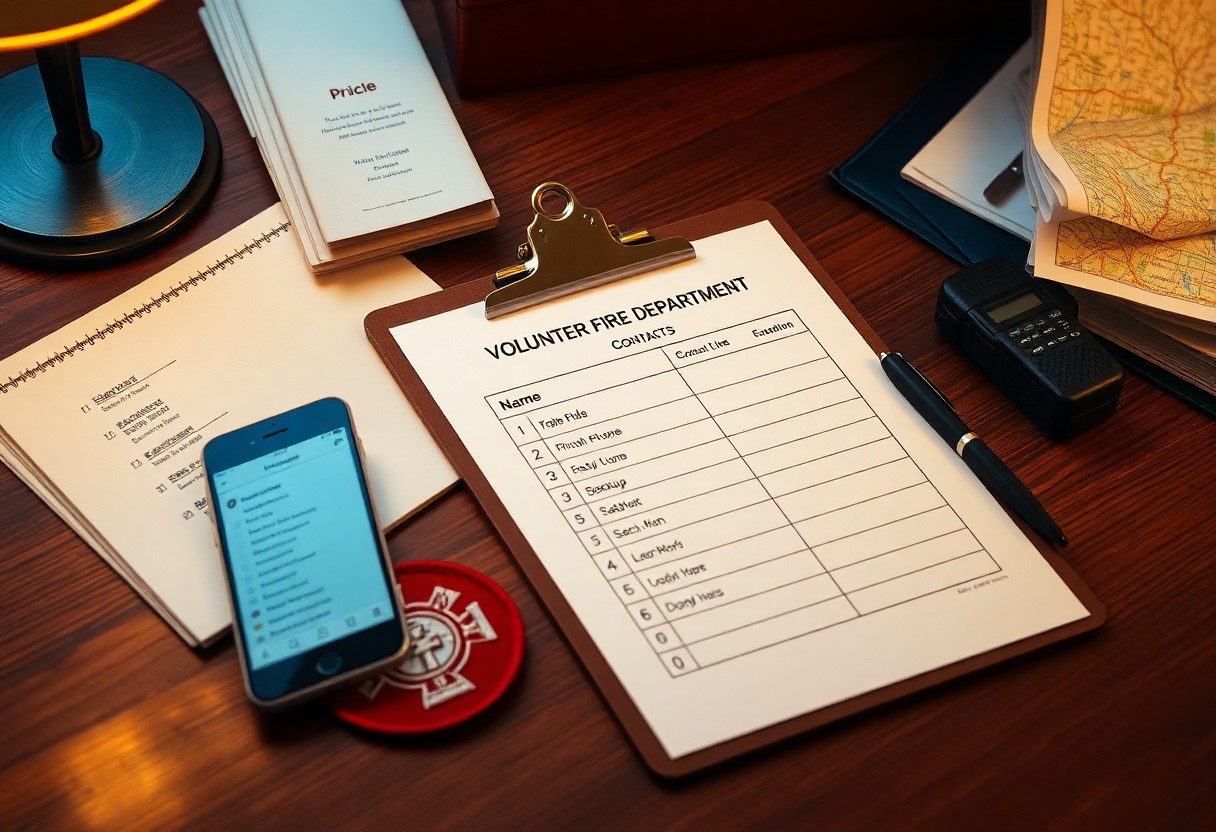
There’s a straightforward method you can use to organize your volunteer fire department contacts so they’re accessible, accurate, and printable; this guide walks you through prioritizing information, creating standardized entries, and preparing a clear checklist layout you can update and distribute to your crew and leadership.
Understanding the Importance of Organized Contacts
When seconds matter, organized contacts let you mobilize reliably: list primary and backup numbers, station assignments, and mutual-aid liaisons with agency IDs. Departments that standardized rosters saw measurable gains-one midwestern volunteer brigade reduced call-to-enroute time by 25% after implementing a prioritized contact grid. You maintain chain-of-command clarity, ensure redundancy across shifts, and reduce misrouted notifications during multi-unit responses.
Benefits of Organized Volunteer Fire Department Contacts
With clear contacts you cut missed alerts, accelerate paging, and simplify incident accountability and grant reporting. You can assign personnel by certification and apparatus location; some departments report up to 30% faster mobilization after centralizing rosters. Additionally, streamlined contacts improve training scheduling, mutual-aid coordination, and post-incident follow-up for investigations and billing.
Factors to Consider When Organizing Contacts
Prioritize fields that support fast decision-making: role/rank, primary and secondary phone, preferred contact method (SMS/pager/call), station and apparatus assignment, and certifications (EMT, FF2, HazMat). Store member IDs and training expiry dates for credential checks and use CSV or XML for CAD integration. You should also mark privacy levels for personal data and define an update cadence with audit logs.
- Full name and rank/role (chief, lieutenant, firefighter).
- Primary phone, secondary phone, and preferred contact method (SMS, pager, call).
- Station assignment, apparatus assigned, and typical response radius.
- Certifications and expiration dates (EMT, FF2/FF3, driver/operator).
- Member ID, training records link, and mutual-aid agency contacts for cross-border runs.
- Knowing certifications, shifts, and primary contact windows helps you route the right crew for each incident.
Assign a contact steward who audits the list quarterly, verifies numbers via SMS or test call, and timestamps all edits. You should maintain a printed checklist in apparatus bays and an encrypted digital master synced to dispatch/CAD; test integrations monthly. For liability and grants, keep certification and training expiry dates alongside contact entries and log confirmations of availability before major events.
- Designate a single point of contact responsible for updates and permissions.
- Schedule quarterly reviews and immediate updates after personnel changes.
- Verify phone numbers and preferred methods with automated tests or manual confirmation.
- Keep both a printed station copy and an encrypted cloud backup for off-site access.
- Knowing who is on duty and certified at each station reduces crew-assignment errors during multi-unit responses.
How-To Create a Contact List
Define the roster scope first-station-level, county mutual-aid, or regional strike teams-then compile entries consistently so dispatch and officers can act without hesitation. You should capture roles, shift assignments, and response zones alongside contact methods to enable fast cross-referencing during incidents. Use versioning (date stamped files) and a single-author update policy so the list stays current; aim to review and publish an updated roster every 30-90 days depending on turnover and call volume.
Gathering Essential Information
Collect full name, rank/role, primary and backup phone numbers, radio call sign, email, station assignment, and certification level (e.g., EMT, FF I/II, HazMat). Add preferred contact method, on-call availability (days/nights), apparatus assignment, and an alternate emergency contact. For operational value, include at least two phone numbers per member and note any medical or physical restrictions that affect response capability.
Choosing the Right Format
Pick a format that matches how you use the list: CSV/Excel for dispatch import and sorting, a printable 8.5×11 PDF checklist for station boards, and a cloud-shared Google Sheet for real-time updates. You should keep a master digital file (CSV) for system integration and create laminated one-page rosters for each station and vehicle to ensure access during power or network outages.
When deciding layout details, prioritize legibility and quick scanning: use 10-12 pt sans-serif fonts, bolded names, and color-coding by role or certification. Include columns for two contact numbers, radio ID, shift, and last-updated date; export templates to both CSV and PDF so dispatch, chiefs, and field crews each have the format they need. Schedule automated reminders to review entries every 30-90 days to prevent stale information.
Tips for Maintaining Updated Contacts
Schedule regular audits every 90 days and assign a contact owner so you can verify phone numbers, emails, home addresses, certifications and on-call status; include at least one backup contact per member and note apparatus qualifications. Consolidate records into a single shared file and enable calendar reminders or SMS prompts for updates. After each quarterly review, update the printable checklist, archive inactive entries, and distribute changes to the team.
- 90-day audits with a named owner and at least one backup per member
- Single source of truth (shared Google Sheet plus a printable checklist)
- Automated reminders (calendar alerts or SMS) and versioned archives
Regular Review and Updates
You should set a fixed cadence-every 90 days or after major incidents-to verify contact details, certifications, and availability. Use a one-page audit form listing name, role, primary and alternate phones, email, pager, driver and ICS qualifications, and training expiry; typical audits take 10-20 minutes per member. When more than 10% of entries change, push a full roster redistribution to all members.
Communication Strategies for Team Members
Adopt layered communication: group SMS for immediate callouts, email for rosters and policy updates, and a team chat app for schedule swaps and logistics. Limit SMS to time-sensitive alerts and require confirmations within 15 minutes for mobilizations; Station 7’s shift to layered alerts reduced missed responses by 18% over six months.
Standardize callout and roster templates that include incident type, location, requested apparatus, and response window so you avoid ambiguity during mobilization. Train alternates, rotate primary notifiers to prevent single points of failure, keep a printed binder at the station alongside a cloud copy, and log confirmations to track who acknowledged each notification.
Utilizing Technology to Enhance Organization
Recommended Software and Apps
Choose tools that sync across devices and support custom fields: Google Contacts or Microsoft Outlook for basic syncing, Airtable for customizable bases and forms, and Nextcloud Contacts for self-hosted control. You can tag volunteers by role (EMT, driver), certification dates, and availability, then filter by station or shift. Use QR-code generators linked to vCard files for rapid info sharing on scene, and adopt a mobile app so every officer accesses the same up-to-date roster in under 2 taps.
Backing Up Contact Information
Automate weekly exports in both CSV and vCard (.vcf) formats and store copies in two separate locations: an encrypted cloud folder (Google Drive or S3 with server-side encryption) and a local encrypted USB using BitLocker or VeraCrypt (AES-256). You should keep at least one rolling 6-month archive and create a manual backup before any major roster changes or drills.
Use automation tools like Zapier, Make, or simple cron scripts to push exports to your backup locations and enable versioning to retain 26 snapshots for six months. Test restores quarterly by importing a snapshot to a spare device or sandbox account, restrict backup access to an admin group with MFA enabled, and log all backup activity so you can audit who exported or restored data.
Customizing Contact Lists for Specific Needs
Tailor your contact lists by adding fields that match operational realities: station number, shift, radio ID, certifications, and mutual-aid affiliation. Use 5-7 category tags (Command, Operations, EMS, Support, Admin, Mutual Aid, Vendors) so sorting and filtering in Google Contacts or your CAD-linked app is instant. For example, flag on-duty chiefs and EMS leads with a priority code (1-3) so dispatchers and officers see top responders first during a multi-unit response.
Categorizing Contacts by Role
Organize contacts by explicit roles such as Chief, Deputy, Captains, Engine/Truck crews, EMTs/Paramedics, mechanics, and logistics. You can prefix entries with role codes (CH-, CAP-, ENG-, EMS-) to force grouping in alphabetical lists and shorten lookup time. Departments that adopt 6-8 clear role buckets report faster assignment during drills; you should test a role-based list in one monthly drill to validate your labels and ordering.
Creating a Frequently Contacted List
Limit your “frequently contacted” list to 10-15 people: the incident commander, assistant, two shift captains, the senior EMT, dispatcher, station mechanic, mutual-aid coordinator, and building/site manager. Include primary phone, backup phone, radio channel, and preferred contact method. Pin or star these entries in your app so they appear at the top of any device and on printed quick-reference cards in apparatus cabs.
Maintain that list by scheduling a monthly verification, tagging entries with priority levels 1-3, and exporting a CSV backup weekly. During a quarterly drill, time how quickly you can contact the top 10: aim for under 90 seconds. Use QR codes on apparatus and command boards linking to the live list, and enable automatic sync from your roster to avoid stale numbers.
Best Practices for Sharing Contact Information
You should limit distribution, use tiered access, and choose secure formats: password-protected PDFs or a SOC 2-compliant cloud with MFA. Update lists every 90 days and publish an “emergency-only” subset for quick dispatch. For printed copies, keep a locked binder at the station and log who checked it out. In one department study, switching to passworded digital lists cut unauthorized prints by 70% within three months.
Establishing Permission Protocols
You need a clear consent process and three permission tiers: public directory (names only), responder roster (phone/email), and admin-only records (home addresses, notes). Require written consent on a single form, renew it annually, and mandate two approvals for adding or removing people. Assign unique user IDs and keep an access audit for at least 12 months; audits help trace accidental leaks and speed corrective action.
Ensuring Data Privacy
You should encrypt stored files with AES-256, use password-protected exports, and enable MFA on any account with contact access. Choose cloud vendors with SOC 2 Type II or ISO 27001 certifications, and redact sensitive fields for public-facing lists. Examples: encrypt backups, rotate passwords every 90 days, and limit downloadable exports to two administrator roles to reduce exposure.
You should implement a retention and breach policy: keep contact records for two years after a member leaves, review retention every 90 days, and prepare a breach response that follows GDPR’s 72-hour notification window where applicable. Use templates-consent forms, access logs, incident reports-to standardize practice; departments that adopted formal policies saw response times drop by over 50% in tabletop drills.
Final Words
Presently you can use a concise printable checklist to organize your volunteer fire department contacts: categorize roles, list emergency numbers, track training, certifications and availability, and include primary and backup contacts; maintain consistent formatting, schedule regular updates, and store copies securely so you can access accurate information quickly during incidents.