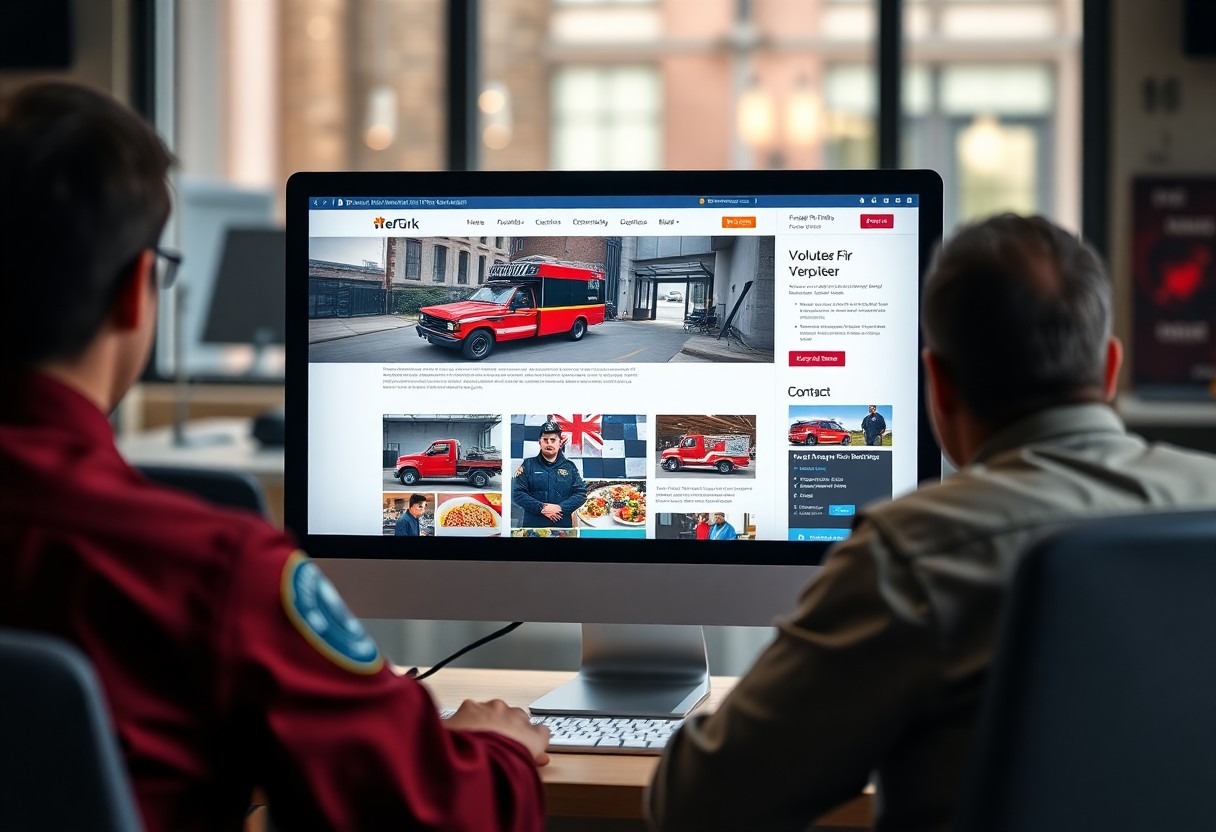
Over the years, having a robust online presence has become necessary for volunteer fire departments to stay connected with the community and share vital information. By using WordPress, you can create an engaging and functional website that highlights your department’s missions, events, and safety tips. This guide will walk you through the necessary steps, empowering you to showcase the dedication and commitment of your volunteers while enhancing community engagement.
Key Takeaways:
- Select a responsive WordPress theme that reflects your fire department’s mission and values.
- Utilize crucial plugins for functionality, such as event calendars, donation systems, and member management.
- Incorporate engaging content, including photos, news updates, and volunteer opportunities, to connect with the community.
Understanding WordPress
What is WordPress?
WordPress is a powerful, open-source content management system (CMS) that enables you to create and manage websites effortlessly. With a user-friendly interface, it allows you to customize your site without needing extensive technical knowledge. Over 40% of all websites today utilize WordPress, showcasing its popularity and reliability for various applications, including volunteer organizations.
Benefits for Volunteer Fire Departments
Utilizing WordPress provides numerous advantages for volunteer fire departments, including ease of updates, cost-effectiveness, and scalability. You can quickly share important information, such as upcoming events and training schedules, ensuring community engagement and support.
Additionally, WordPress offers a wide selection of themes tailored to emergency services, enabling you to present a professional image. The platform supports various plugins for imperative features like donation forms, event calendars, and social media integration, allowing for seamless communication with both volunteers and the community. This flexibility makes it an ideal choice for maintaining transparency and fostering relationships with your stakeholders.
Planning Your Website
Effective planning is necessary to create a website that meets the needs of your volunteer fire department. Begin by assessing your current online presence and considering the specific features that will enhance communication, promote community engagement, and share important information such as safety tips, upcoming events, and donation opportunities. A well-structured plan will guide you through the design and functionality, ensuring your site serves its intended purpose.
Identifying Your Goals
Your website’s goals should align with your department’s mission and community needs. Are you looking to recruit new volunteers, increase donations, or provide educational resources? Clearly defining your objectives helps streamline your content and design choices, ensuring your site effectively communicates your message to visitors.
Choosing the Right Domain Name
Picking a memorable and relevant domain name can significantly impact your website’s success. Aim for a name that is concise, easy to spell, and includes relevant keywords, such as “volunteerfire” or your department name. Avoid complex phrases, and consider using a .org domain, which conveys trust and credibility for nonprofits.
When choosing a domain name, ensure it accurately reflects your fire department’s identity. A name like “SmithtownFireDept.org” not only identifies your location but also builds community recognition. Additionally, check for domain availability using reputable registrars to secure the best option. Once you find the perfect domain, act quickly to register it, as desirable names can be snatched up fast. A strong domain name can enhance your site’s visibility in search engines and make it easier for residents to find necessary information.
Selecting a Hosting Provider
Choosing the right hosting provider is imperative for your fire department’s website. A dependable host ensures your site is always accessible, performing well and secure. Search for a provider that offers features tailored to your needs, such as customer support, uptime guarantees, and scalability. A solid hosting foundation can greatly enhance the user experience for your community.
Factors to Consider
Evaluating your options requires consideration of various elements that impact your website’s performance and reliability. Look at uptime percentages, customer support availability, and scalability. Prioritize a host that includes:
- Server reliability for minimal downtime
- Technical support for troubleshooting
- Security features for data protection
- Backup options for data recovery
Perceiving these factors as non-negotiable will help ensure your website runs smoothly.
Recommended Hosting Options
Your choice of hosting can significantly affect your website’s performance and security. Popular hosts like Bluehost, SiteGround, and WP Engine offer tailored solutions for WordPress sites. Bluehost, for example, provides a free domain for the first year, while SiteGround is known for its exceptional customer service. WP Engine specializes in managed WordPress hosting, ensuring optimal performance and excellent speed. Align your selected host with your fire department’s specific needs for the best outcomes.
Installing WordPress
To set up your website, you must first install WordPress. This powerful platform simplifies content management and enhances your site’s capabilities. Follow this How to Create a Nonprofit Website: Your Complete Guide for more insights on optimizing your online presence.
Step-by-Step Installation Guide
| Step | Description |
| 1 | Download WordPress from the official website. |
| 2 | Upload the WordPress files to your hosting server. |
| 3 | Set up a MySQL database for your WordPress installation. |
| 4 | Run the installation script and follow on-screen instructions. |
Configuring Basic Settings
Once WordPress is installed, you need to configure basic settings for optimal functionality. Access the settings panel to adjust the site title, tagline, time zone, and permalink structure to enhance SEO. Keeping these settings aligned with your fire department’s goals and mission will ensure a cohesive and professional online presence.
Effective configuration can significantly impact user experience and site visibility. For example, a clear and concise site title that reflects your department’s purpose helps users understand your mission quickly. Changing the permalink structure to a more readable format can also enhance search engine optimization, making your website more discoverable. Customize your site’s language and settings according to local preferences to resonate better with your community.
Designing Your Website
Creating an inviting and functional design is key to engaging your community effectively. Your website should reflect the values of your volunteer fire department while being user-friendly and accessible. Use a clean layout, appropriate colors, and clear navigation to ensure visitors can quickly find important information, such as emergency contacts, event schedules, and volunteer opportunities.
Choosing a Theme
Selecting a suitable WordPress theme is fundamental to your site’s aesthetics and usability. Look for themes that are specifically designed for non-profits or community organizations, which often include features necessary for showcasing your services, events, and volunteer recruitment. Ensure the theme is responsive, so it looks great on mobile devices, and customizable to match your department’s branding.
Essential Plugins for Fire Departments
Incorporate important plugins to enhance functionality and user experience on your site. These tools can streamline the process of managing events, forms, donations, and community interactions. Look for plugins like The Events Calendar for event management, WPForms for easy contact forms, and GiveWP for donation processing, catering specifically to your operational needs.
Plugins are invaluable for increasing your website’s capabilities. For example, The Events Calendar allows you to create an interactive calendar that keeps your community informed about training sessions, fundraisers, and public safety events. Utilizing WPForms enables streamlined volunteer applications or community feedback forms, ensuring you stay connected with your audience. Selecting the right combination of plugins can elevate your fire department’s online presence significantly, simplifying communication and encouraging community involvement.
Crafting Content
Effective content is imperative for conveying your fire department’s mission and engaging the community. Start by creating clear and concise information about your services, events, and safety tips. Use visuals wherever possible to enhance your messages and encourage interaction. A well-structured approach will ensure that your audience can easily navigate through the information, fostering a deeper connection with your department.
Tips for Effective Communication
To communicate effectively, keep your language simple and direct. Use the following strategies to enhance your messages:
- Utilize clear headings for easy navigation.
- Incorporate images and videos to support your text.
- Maintain consistent tone throughout your content.
Thou should consider feedback from community members to improve future communications.
Essential Pages to Include
Your website should include fundamental pages that provide useful information and resources. Key pages such as an About Us section, Services offered, a Contact page, and a dedicated area for Upcoming Events are vital. Also, consider adding a Blog for updates and safety tips, as well as a Donations page if funding is needed. Each page plays a significant role in ensuring your audience understands the operations and values of your fire department.
Including these imperative pages will enhance user experience and accessibility. The About Us page demonstrates your department’s history and mission, while the Services page highlights operational roles, safety measures, and educational opportunities. The Blog can serve as a platform for community engagement, where you share stories, safety advice, and celebrate achievements. A Contact page facilitates outreach, encouraging local residents to connect. Collectively, these elements create a comprehensive online presence that reflects your department’s commitment to serving the community efficiently and transparently.
To wrap up
As a reminder, building a website for your volunteer fire department using WordPress empowers you to create an effective online presence. By following the steps outlined, including selecting the right theme, organizing content, and optimizing for search engines, you can enhance community engagement and streamline communication. Regular updates and user-friendly navigation are important for ensuring your site remains an invaluable resource for both your team and the community you serve. Implement these strategies to make a lasting impact with your online platform.